Five beginner mistakes to stop making
1 Alcohol on a dirty textured bed
On textured PEI, alcohol can spread finger oils instead of removing them. Soap and warm water, scrub into the texture, rinse hard, then hold the plate by the edges only.
2 Solid infill for strength
Cranking infill to solid does not make a useful part. Strength is mostly walls. Most everyday parts want moderate infill, not a brick of plastic.
3 Supports on everything
Drowning the model in supports scars the underside. A better orientation, or a cut so faces can lie flat, dumps a lot of that scaffolding.
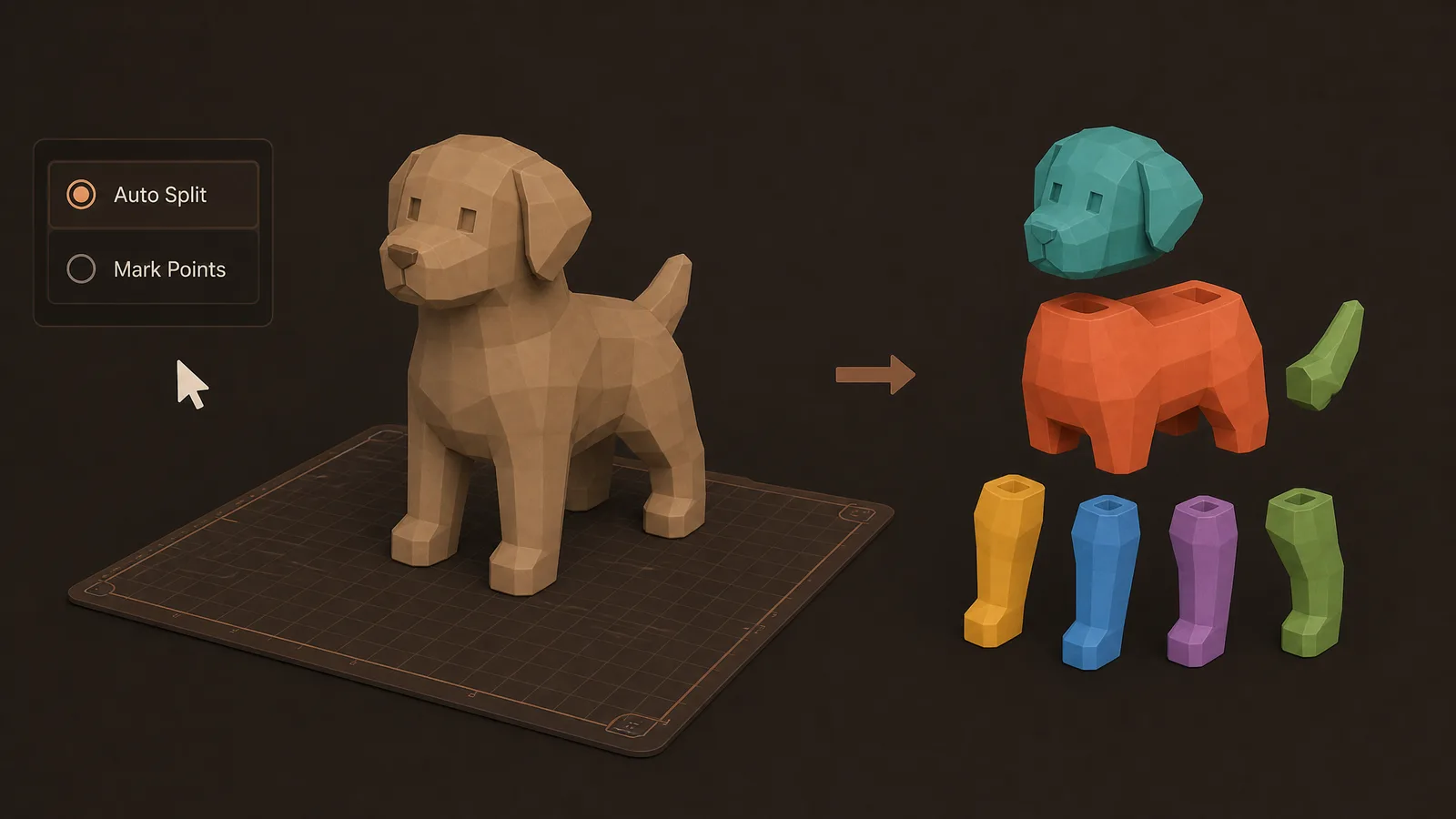
4 Shrinking it to fit the bed
A huge STL does not need to be scaled down until it fits. Split it and keep the full size you wanted. Shrinking changes every feature, including the ones that were already the right size.
5 Blaming the slicer for wet filament
Moisture turns to steam in the nozzle. You get stringing and rough walls, and the profile was not the cause. Dry the spool before you retune retraction.
FAQ
Why does isopropyl make a textured bed worse?
On textured PEI it can spread finger oils through the grooves instead of lifting them. Wash with soap and warm water, scrub into the texture, rinse hard, and hold the edges only.
Should beginners print at 100% infill?
No. Strength is mostly walls. Most everyday parts want moderate infill. Solid plastic spends time and filament inside a part that needed thicker perimeters.
What if the model is too big for the bed?
Split it and keep the size you wanted. Shrinking the STL to fit changes every feature. Obloid’s AI part splitter is for a one-piece download that will not fit.
How do I tell wet filament from a bad profile?
Stringing and rough walls after the spool has been open to air are moisture. The water turns to steam in the nozzle. Dry the filament before you chase slicer settings.
Full transcript
Five beginner mistakes that look like bad luck. Dirty bed first. On textured PEI, alcohol can spread finger oils instead of removing them. Soap and warm water, scrub into the texture, rinse hard, then hold the edges only. Second, cranking infill to solid for strength. Strength is mostly walls. Most everyday parts want moderate infill, not a brick of plastic. Third, drowning the model in supports. A better orientation, or a smart cut so faces can lie flat, dumps a lot of that scaffolding. Fourth, shrinking a huge STL just to fit the bed. Split it instead and keep the full size you wanted. Fifth, blaming the slicer when the filament is wet. Moisture turns to steam in the nozzle and wrecks the surface with stringing and rough walls. Fix those five and your printer suddenly feels expensive for the right reasons. Obloid's AI part splitter is there when the model will not fit.
 Why holes print undersized
 If walls feel weak, don't add more infill
 The STL looked fine until you sliced it
 Stop putting a brim on every print
 If it smells burnt, drop the nozzle temp
 Don't print PETG on smooth PEI