





Free
$0/mo
- 3 credits included
- 3 free exports per tool
- Limited features
 Obloid
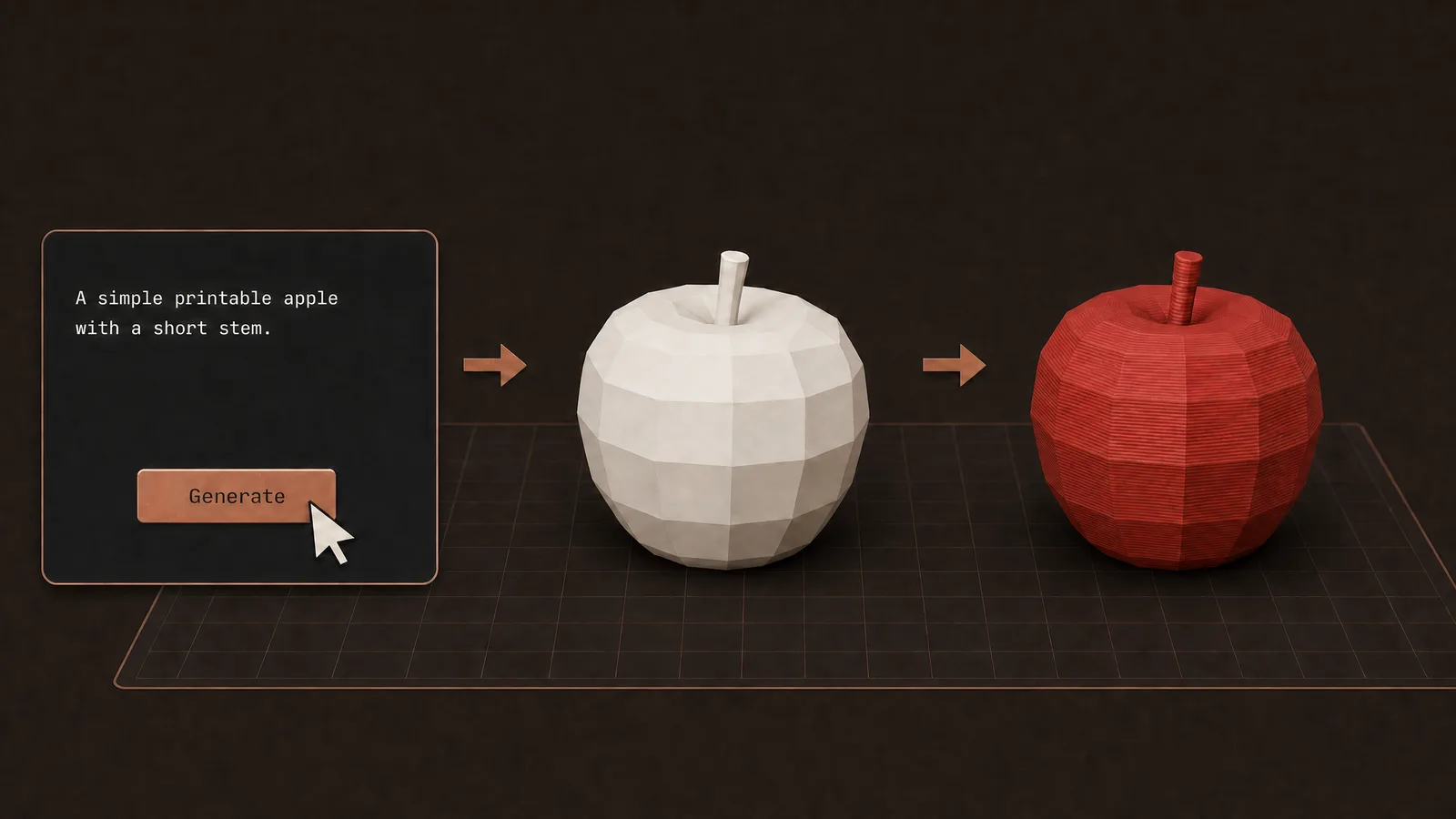
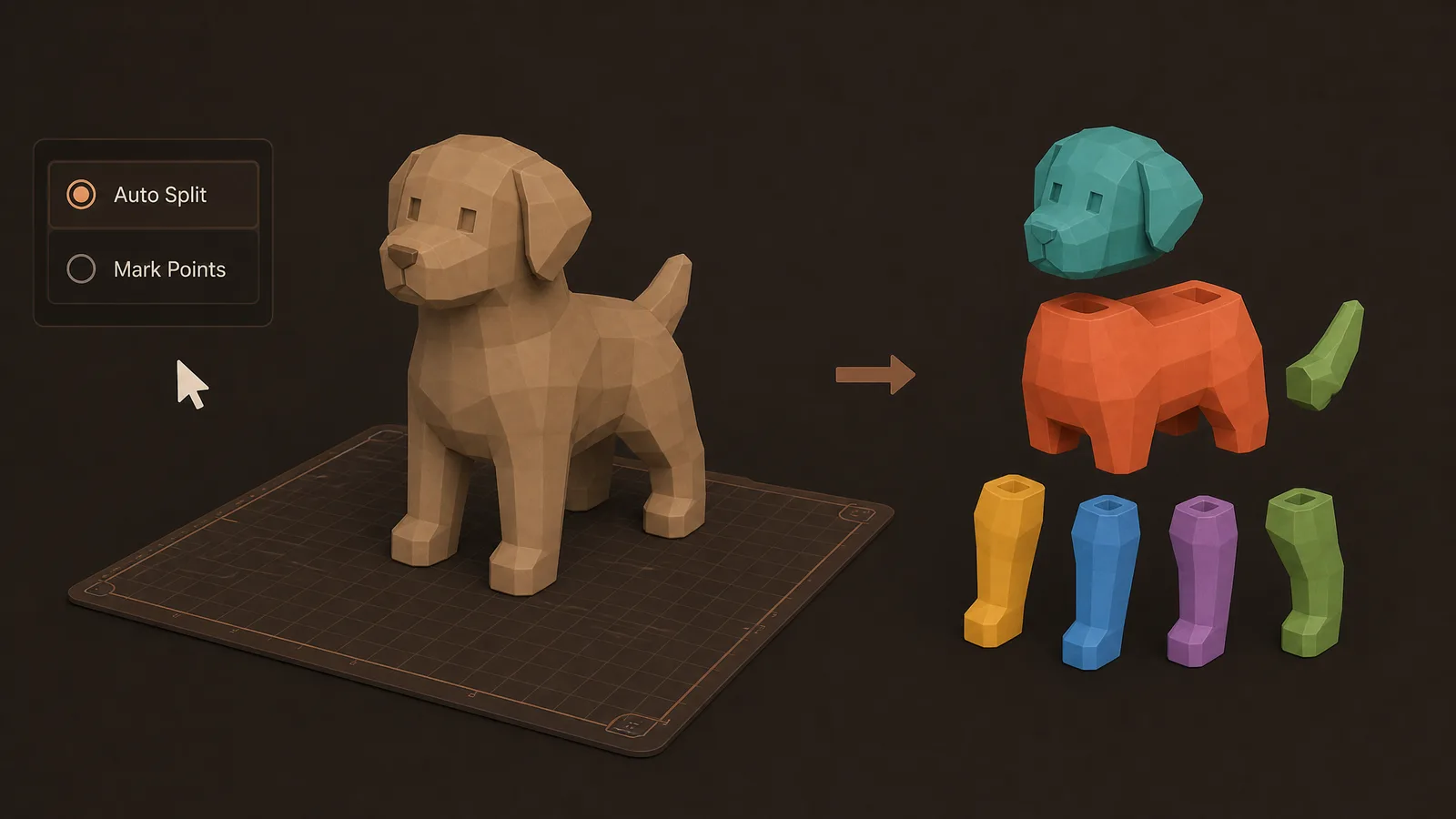
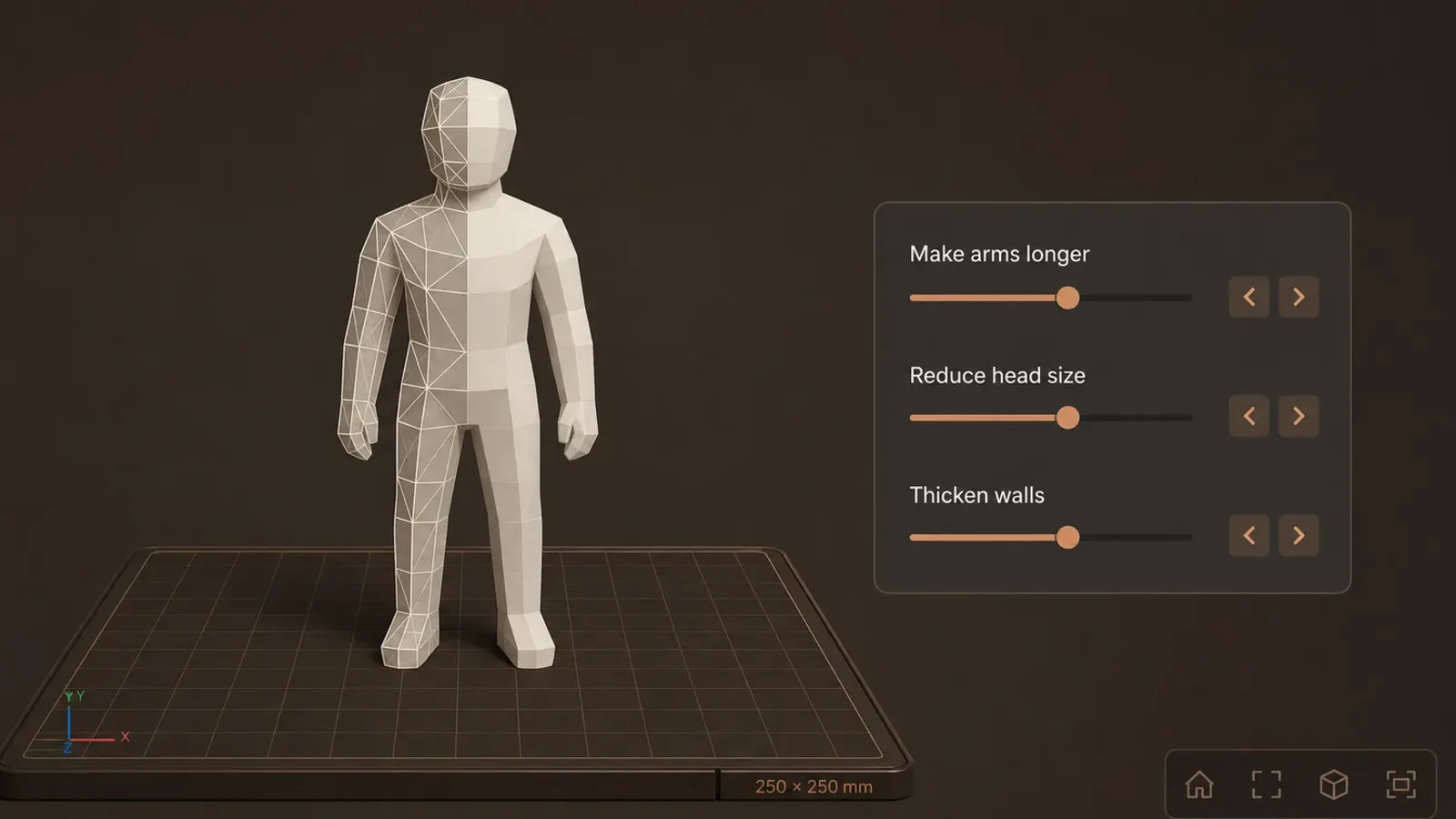
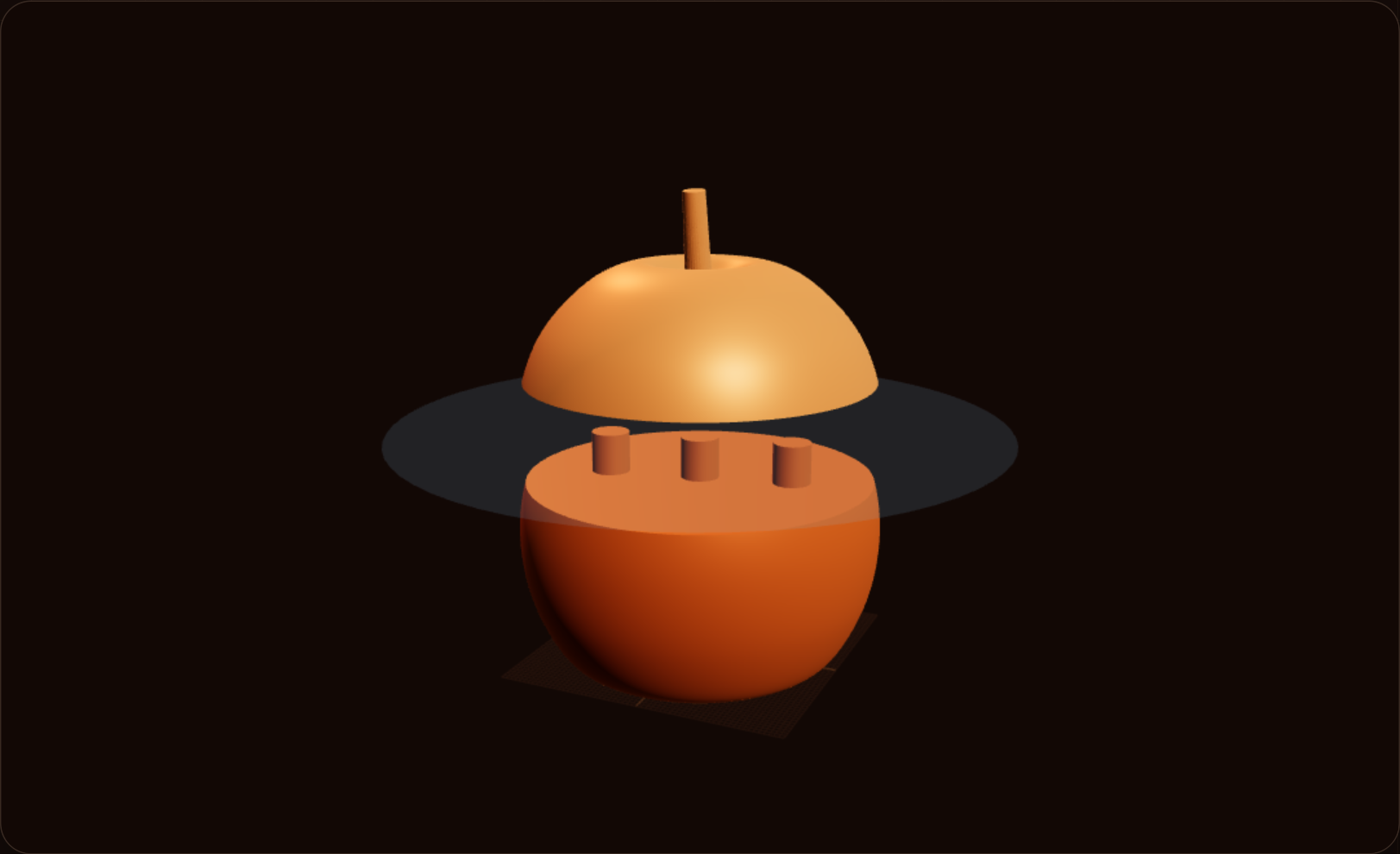
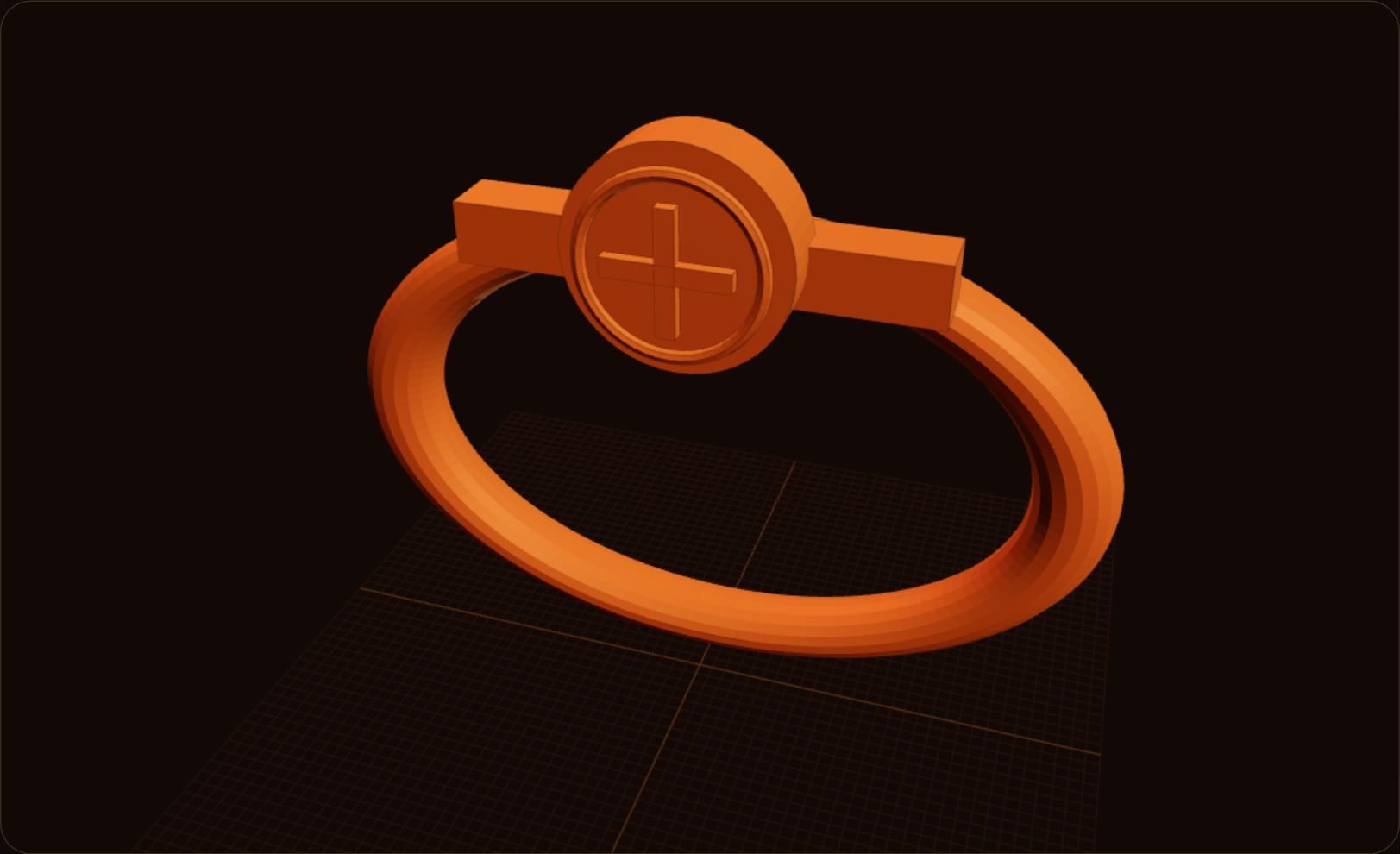
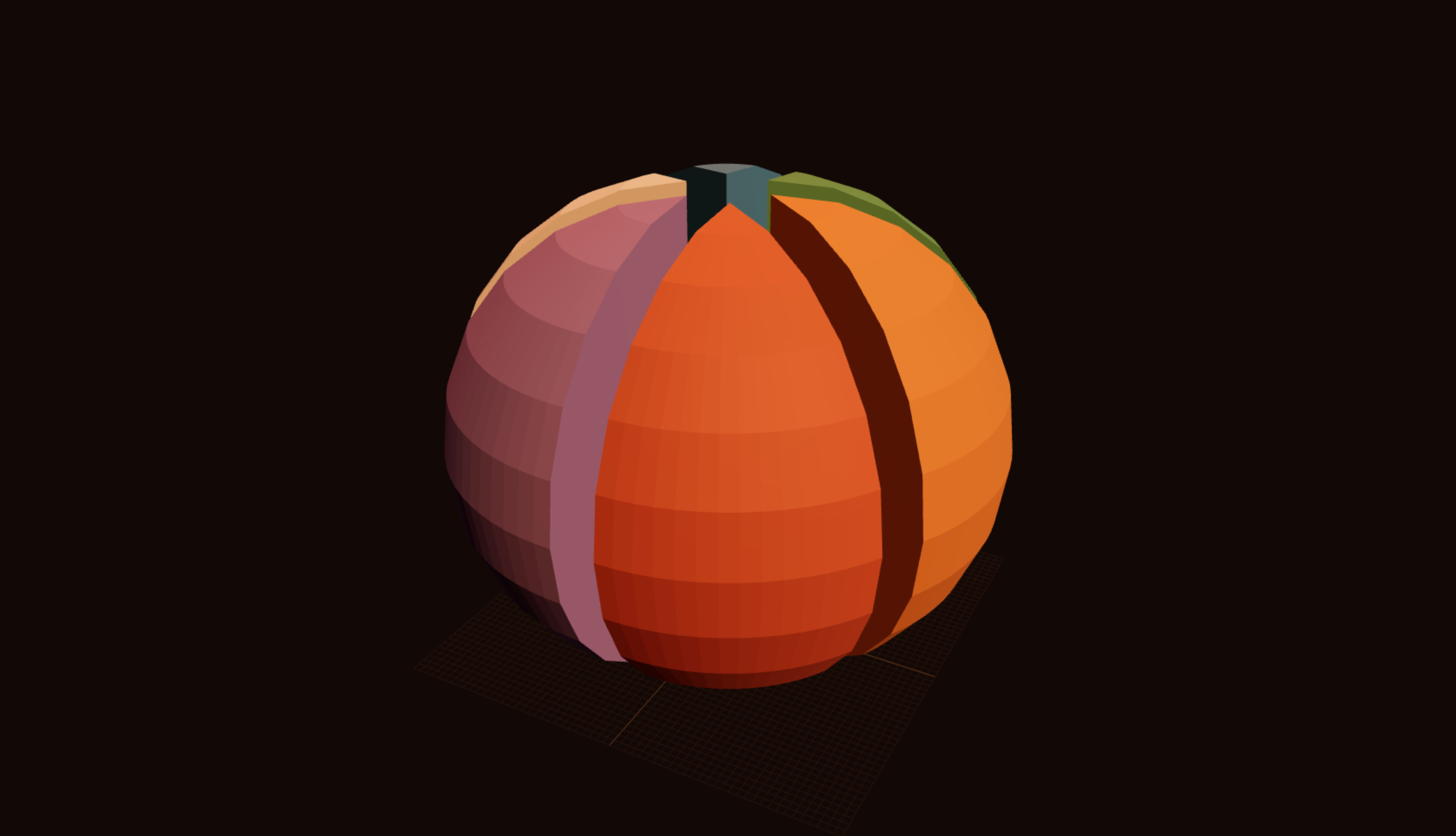
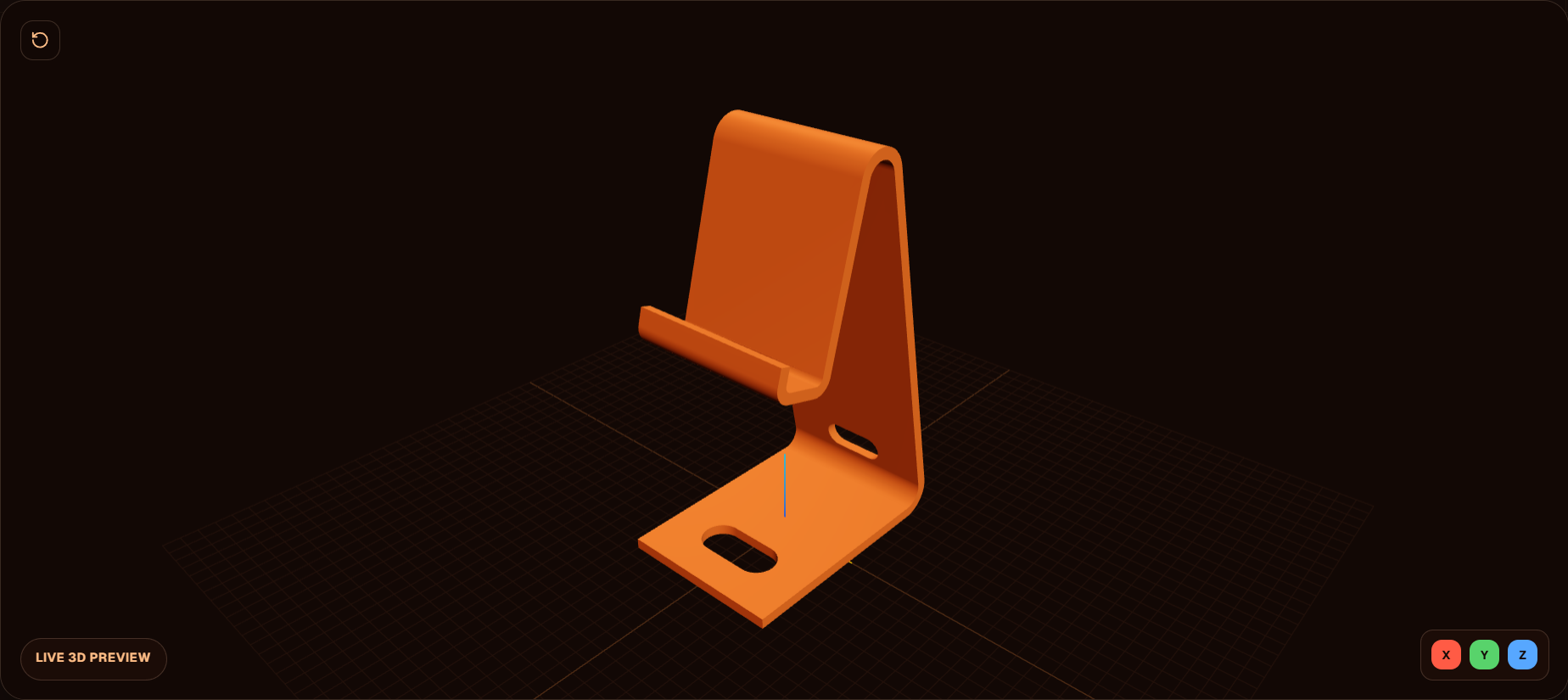
 AI features to edit and split your models, converters for scans and common 3D files, and free browser tools to make or fix STL and 3MF prints — then download and open them in your slicer.
AI
In your browser
Pricing
Free
Plus
Pro
FAQ
Obloid combines AI model editing and model splitting with scan-to-mesh converters and free browser tools for splitting, repairing, generating, and exporting 3D-printable STL and 3MF files.
Yes. Obloid has 3 dedicated paths for mesh PLY files, point-cloud reconstruction, and Gaussian splat or 3DGS formats including SOG, SPLAT, SPZ, and Gaussian PLY. Results can be prepared as STL, 3MF, or GLB meshes.
Choose STL for a widely compatible single-material mesh. Choose 3MF when you want colors, multiple parts, or Bambu Studio and OrcaSlicer project information preserved.
Browser tools include 3 free exports per tool after you sign in. Scan converters include 1 free export. Plus and Pro unlock unlimited tool exports.