
How to tell cooked PLA from a wet spool or a machine fault
1 Burnt sugar is cooked PLA
The print starts smelling like burnt sugar. Walls go shiny and stringy. You keep going and wonder why it fails later. That is heat, not "the filament is fine."
2 Speed and temperature have to match
Plastic sits in a too-hot nozzle and cooks. Bambu default PLA is 220 for normal speed. You dropped to Silent and left 220 on temperature. That is the mismatch.
3 Drop Silent PLA to 210
Bambu troubleshooting is blunt: Silent prints, drop 220 to 210. Prusa PLA sits around 215 on the first layer and 210 after. Do not keep dropping after 210. Too low and plastic stops coming out.
4 Popping and steam is a wet spool
Wet filament can bubble and smoke too. Popping and steam is the tell. Burnt sugar plus glossy walls is cooked PLA. If it still pops after 210, dry the filament.
5 Electronics smell means stop
If it smells like burning electronics, stop the printer. That's the machine, not the plastic. The sweet smell is cooked PLA coming out of the nozzle. The electrical smell is not.
FAQ
Why does Silent mode cook PLA at 220?
Bambu default PLA is 220 for normal speed. Silent slows the print. The same 220 sits in the nozzle longer and cooks. Drop to 210 for Silent. Leave 220 for the normal-speed profile.
How do I tell cooked PLA from wet filament?
Burnt sugar plus glossy stringy walls is cooked PLA. Popping and steam is a wet spool. Humidity can bubble and smoke too. Drop to 210 first. If it still pops, dry the filament.
Should I keep dropping below 210 if it still smells sweet?
No. Do not keep dropping after 210. Too low and plastic stops coming out. The sweet smell is cooked PLA. If 210 still pops, the spool is wet, not still too hot.
What if it smells like burning electronics?
Stop the printer. That is the machine, not the plastic. Do not keep printing to finish the part. Cooked PLA smells sweet. Electrical smell is a different failure.
Full transcript
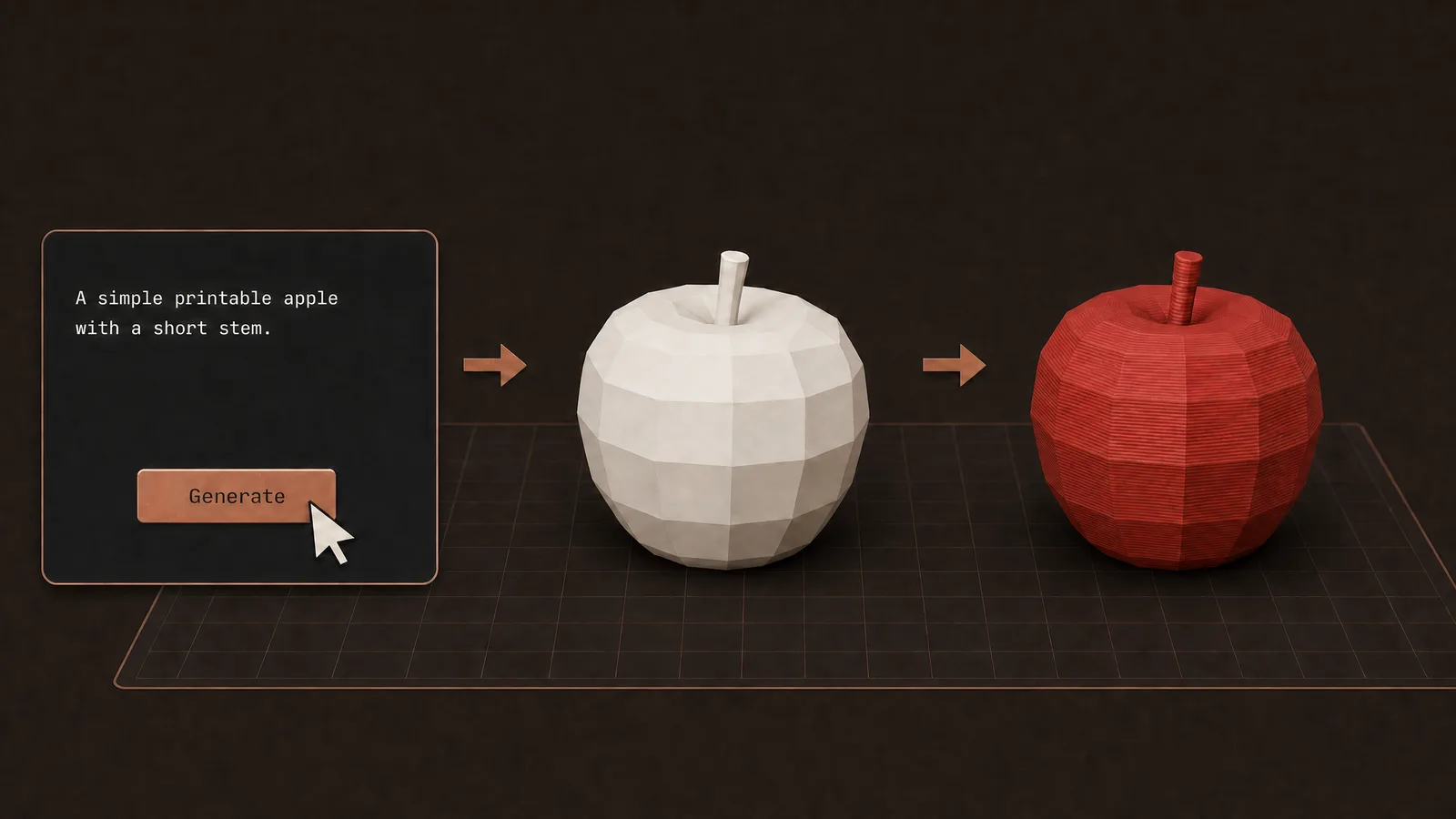
The print starts smelling like burnt sugar. Walls go shiny and stringy. You keep going and wonder why the print fails later. That's heat, not "the filament is fine." Plastic sits in a too-hot nozzle and cooks. Speed and temperature have to match. Bambu: default PLA is 220 for normal speed. You dropped to Silent and left 220 on temperature. Drop to 210 instead. Prusa's PLA sits around 215 on the first layer and 210 after. Wet filament can bubble and smoke too. Popping and steam is a good indicator of a wet spool. Burnt sugar plus glossy walls is cooked PLA and a bad sign. If it smells sweet, stop ignoring it. Here's the fix. Drop PLA to 210 degrees. If it still pops, dry the filament. If it smells like burning electronics, stop the printer. That's the machine, not the plastic. The sweet smell is cooked PLA coming out of the nozzle. Do not keep dropping the temperature after 210. If you go too low, plastic stops coming out. Once this issue is fixed, use Obloid's AI Model Generator to turn a prompt or photo into a printable figure.
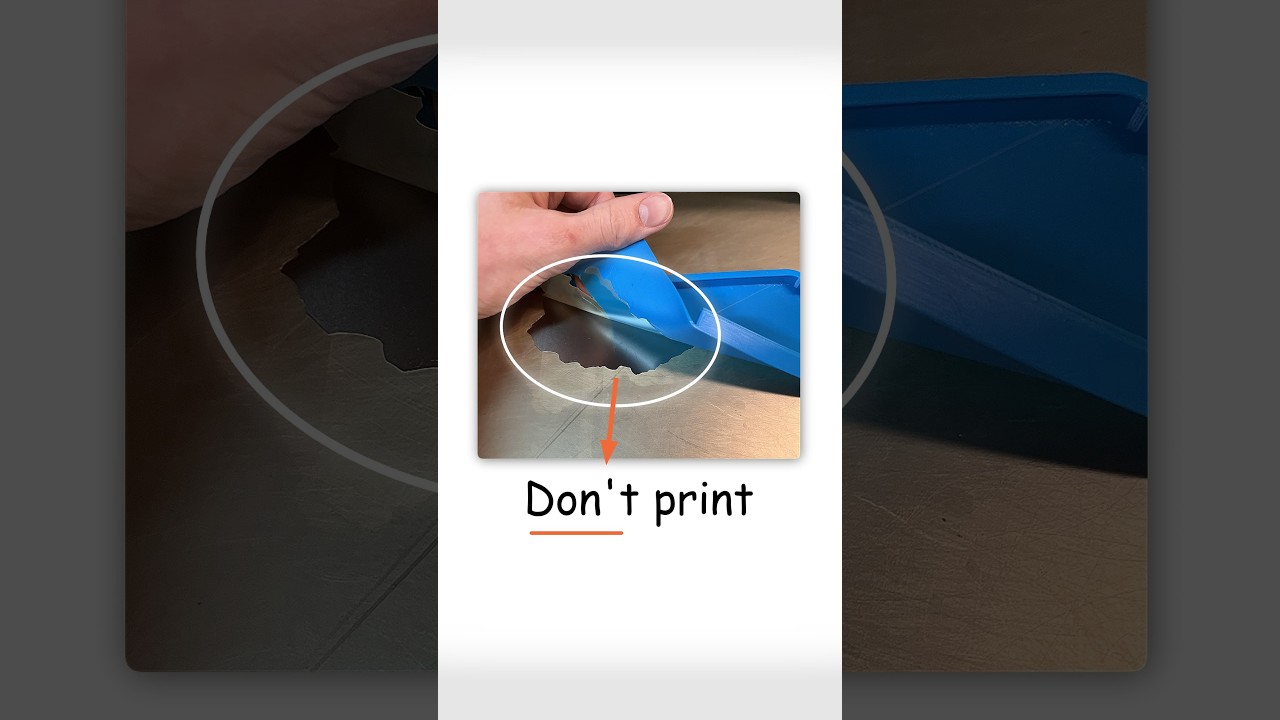 Don't print PETG on smooth PEI
 Your outdoor print will die from the heat
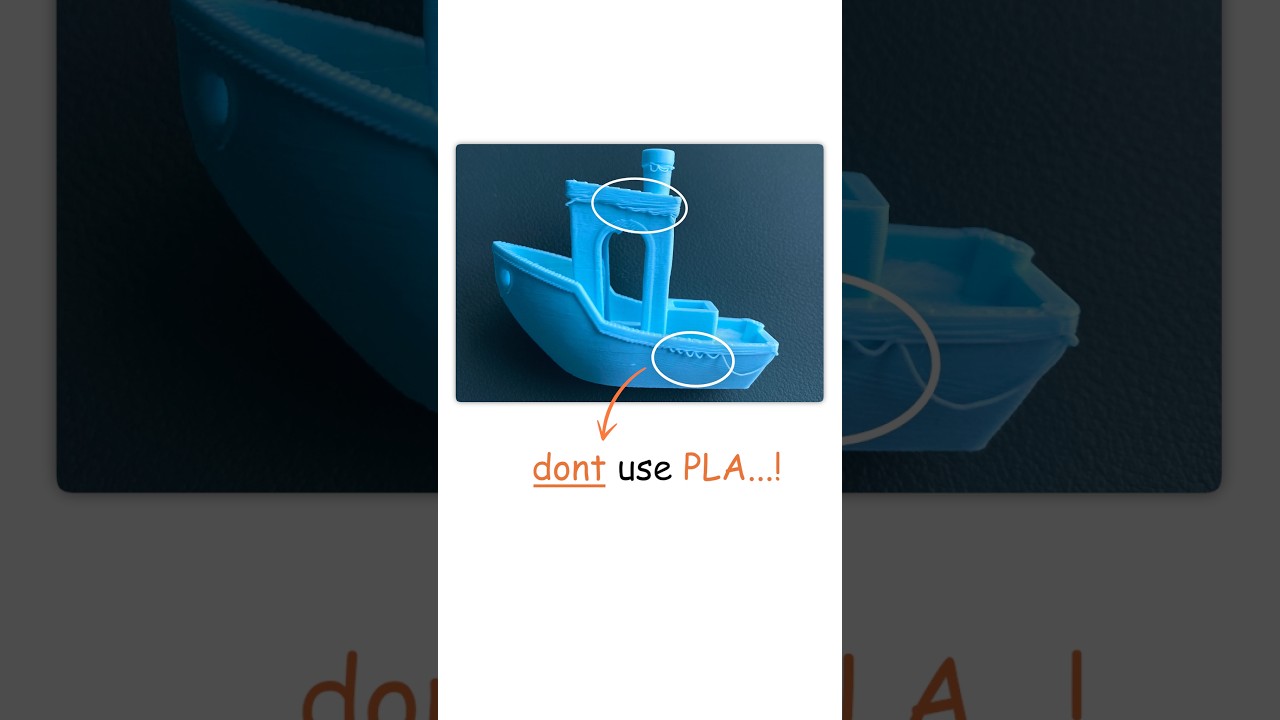 Don't use PLA for useful prints
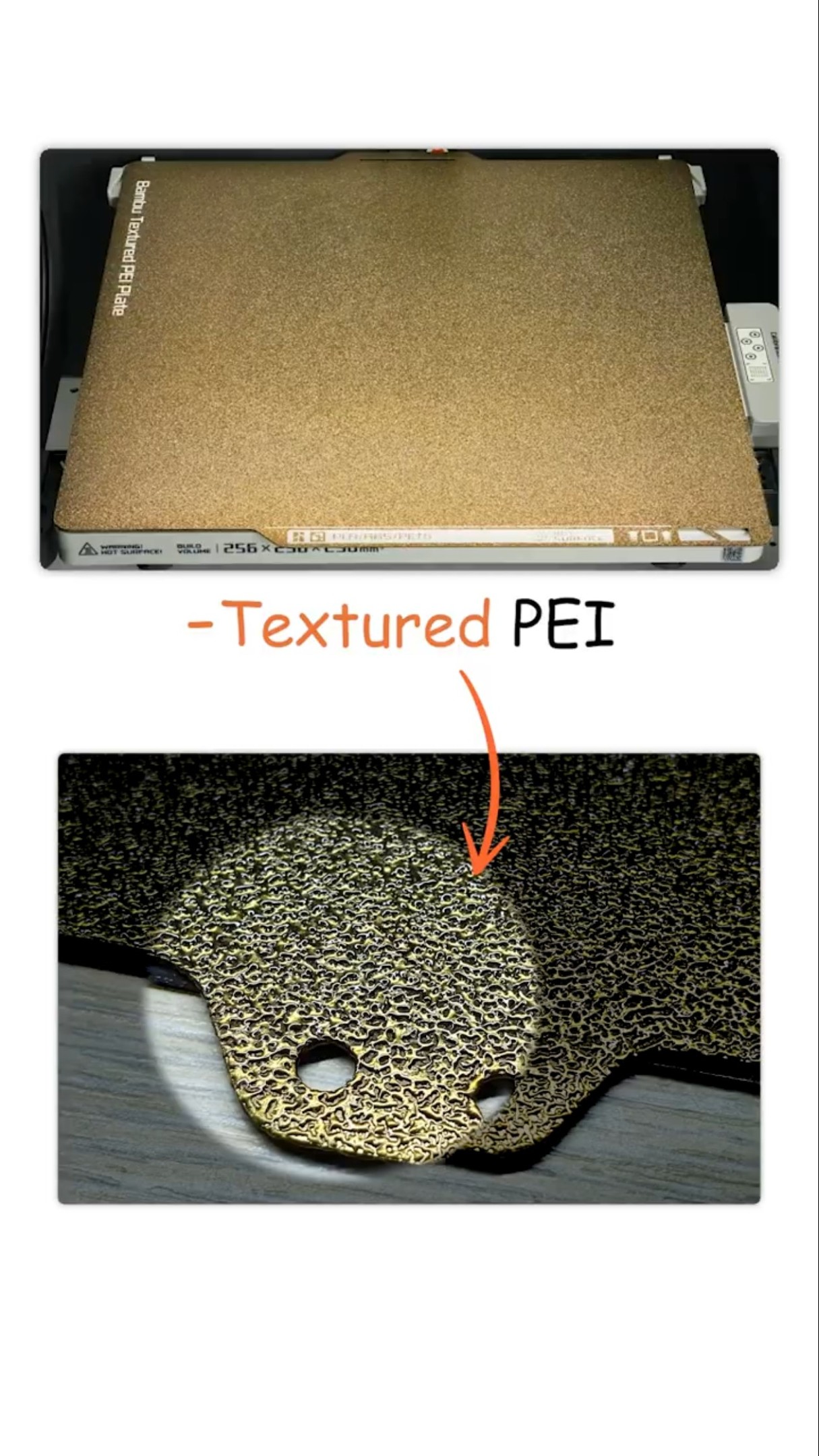 Wrong build plate selected = instant fail
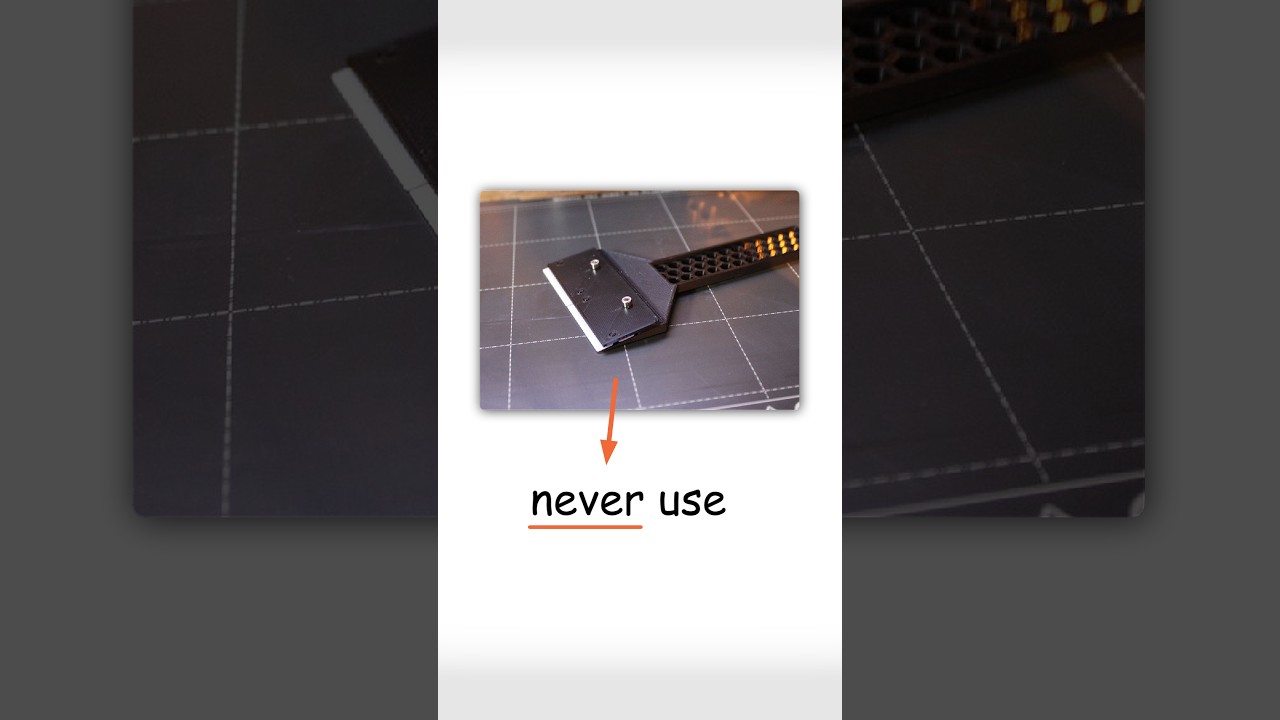 Stop using a metal scraper on your PEI plate
 Why your prints won't stick (it's your dirty bed)