How to prompt a useful part instead of hunting an STL
1 Stop hunting random STLs
A downloaded phone stand is never your phone. A bag clip is never your bag. The clip is eleven useful prints: stand, seal, hang, cables, park headphones, figure cradle, sticky-note holder, sorter tray, can lid, controller dock, clicker. Each one is sized to you, not a file you found.
2 Open 3D Model Generator and tap Parametric
Go to the 3D Model Generator. Tap Parametric, not Sculpted. Parametric builds CAD-style parts with real dimensions. Sculpted is for figures and animals. Sign in first — generation runs on account credits.
3 Type a sized prompt
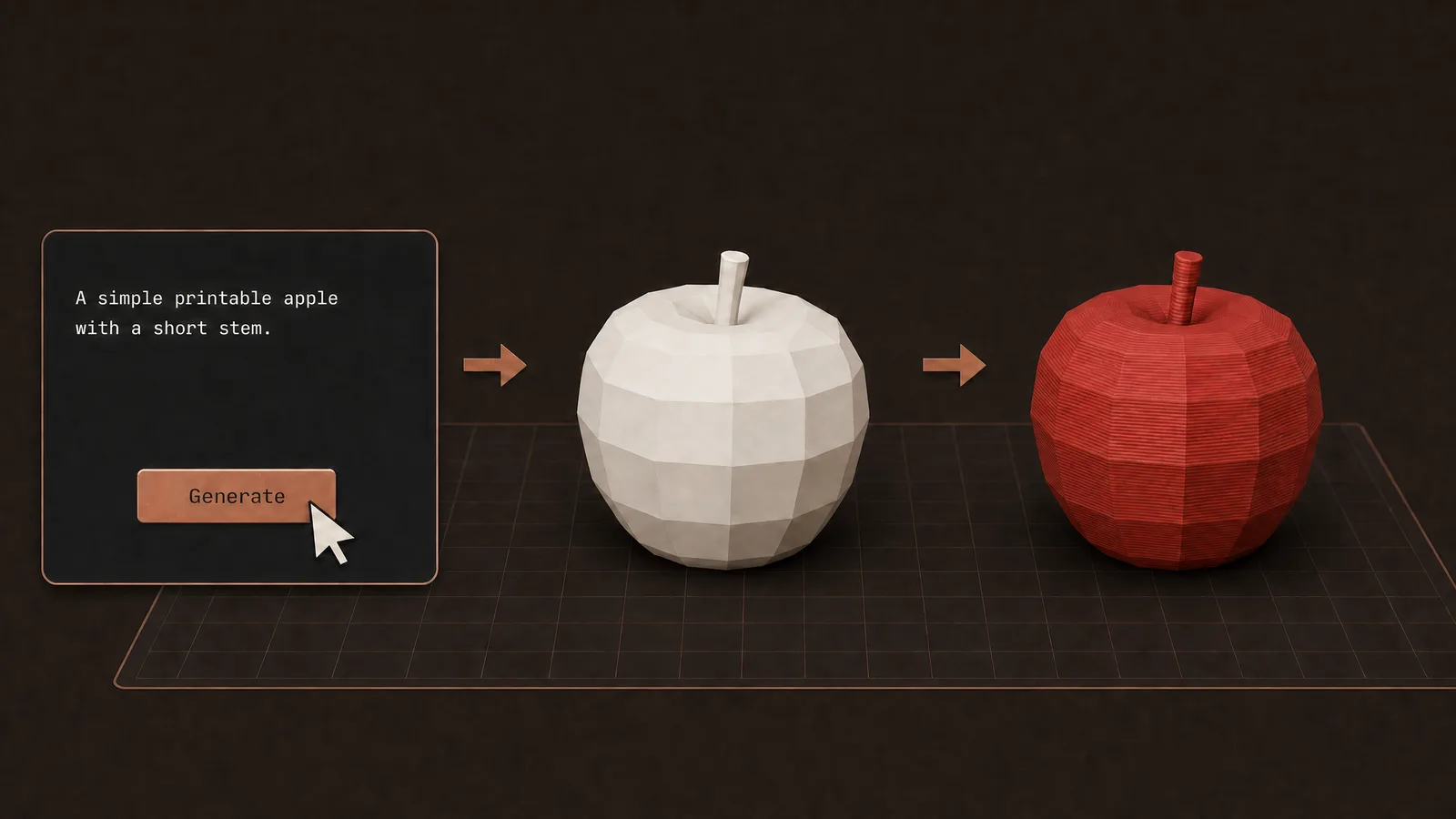
In Prompt, name the part and a size. The clip uses phone stand 80mm wide. The box example is a phone stand with a 60° tilt and a cable notch at the base. Put the number in the prompt. A prompt without a size still hunts a generic part.
4 Hit Generate model
Generate model opens the job on its own page. Standard Parametric is usually 20–30 minutes. The Short smash-cuts to a printed stand. The wait is real. Stay on the job page until the model is ready.
5 Drag a slider, then download
On the result, drag one size slider. The model updates. Download STEP if you still want CAD. ZIP of STLs if the part is already split. Single STL for one body. Then slice and print.
FAQ
Why Parametric and not Sculpted?
These are useful parts with sizes: 80 mm wide, a tilt, a cable notch. Parametric is the CAD path. Sculpted is for figures and animals. The clip never opens Sculpted.
Do I still need a Printables STL?
No. That is the point. Stop hunting random STLs. Prompt the part, tune the size, print it. The download cannot be your phone, your bag, or your headphones.
Why is Generate not instant like the Short?
The insert is a few seconds of UI, then a smash-cut to a printed part. Standard Parametric is usually 20–30 minutes on the job page. Drag sliders after it finishes, not on the prompt screen.
What should I put in the prompt?
The part plus a size. Phone stand 80mm wide. A hook for a coat. A clip that grabs cables on a desk edge. Skip a novel. Put the millimetres in so the first model is already close.
Do I need to sign in?
Yes. Generation runs on account credits. Standard Parametric is 4 credits. Re-downloading the finished files does not generate again.
Full transcript
Eleven useful 3D prints in 42 seconds. This print holds your phone so it stands on the desk. This clip seals a chip bag so it stays closed. This hook hangs a coat so it is off the floor. This clip grabs cables so they stay on the desk. This stand parks headphones so they hang overnight. Stop hunting random STLs. Prompt the part, tune the size, print it on Obloid. This stand holds a figure so it fits your size. This holder angles sticky notes so you can see them. This tray sorts pens and screws so the desk stays clear. This lid snaps on a can so it stays covered. This stand docks a controller so it sits upright. This clicker snaps in your hand so you can fidget anywhere.
 How to 3D print a custom bookmark from a photo