
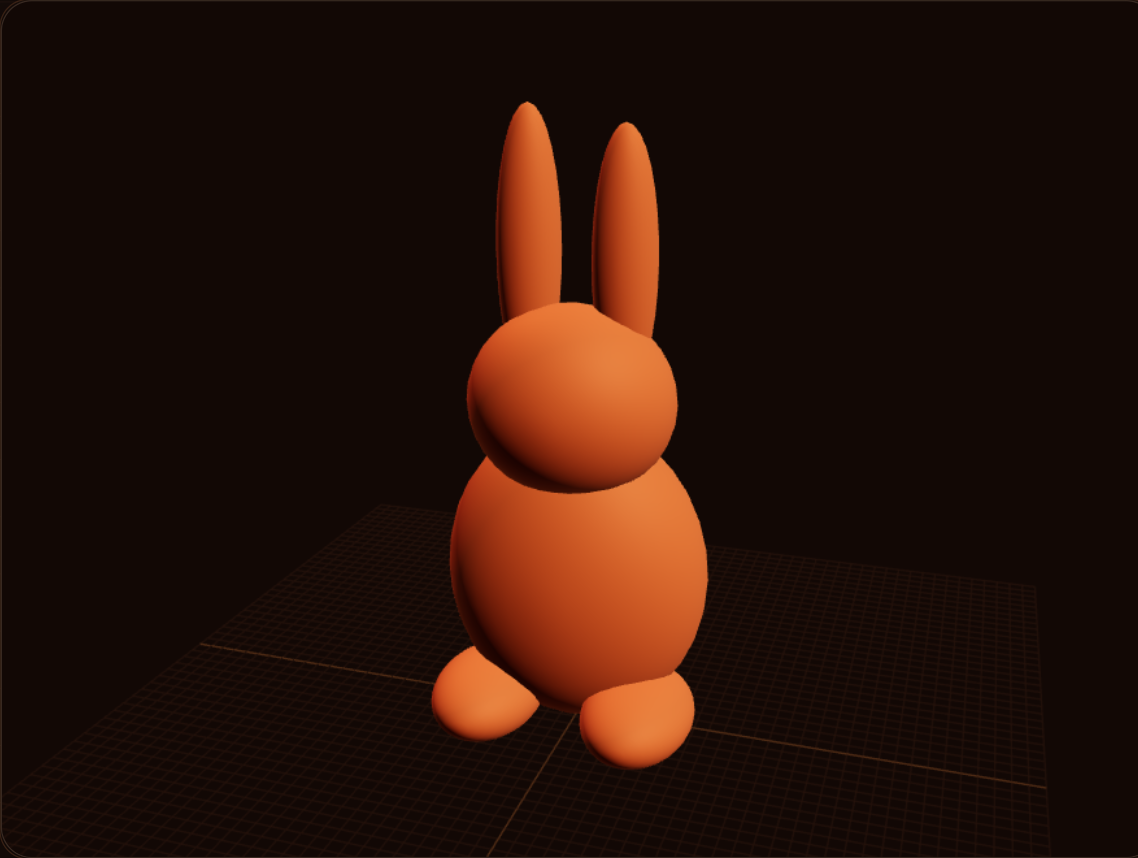
How to close a mesh that repair will not fix
1 Repair finished and the model is still broken
You drop a scanned mesh in the slicer. Repair says it is done. Half the model is still missing, and it will not print. That is past what a normal repair pass can close.
2 Drop the file in Make Mesh Printable
Open Make Mesh Printable. Drop an STL, OBJ, 3MF, or GLB. The file stays in the browser. This is the path when STL Repair has already failed.
3 Voxelize, or wrap
Voxelize for a smoother shell. Wrapping keeps more detail, but it can web across gaps, and that webbing looks ugly. Pick the one that matches how broken the scan is.
4 Download the closed STL and check it
Hit Make printable and download the closed STL. It will not match the original exactly. Detail can soften, holes can close, and sizes can shift. Look at it in the slicer before you commit a spool.
FAQ
Why did slicer repair still leave the model broken?
Repair can report success and still leave half a scan missing. Holes and missing shells that big are past a normal STL repair. The mesh needs to be rebuilt into a closed solid.
What files can I drop in?
STL, OBJ, 3MF, or GLB. The file stays in the browser. You do not upload it to a server to run Make printable.
Voxelize or wrapping?
Voxelize makes a smoother shell. Wrapping keeps more of the original detail, and it can web across gaps. That webbing looks ugly, so use wrap when the scan is mostly there and voxelize when it is ragged.
Will the new STL match the scan?
No. Detail can soften, holes can close, and sizes can shift. That is the trade for a file the slicer can actually print. Check the result in the slicer before a long job.
Full transcript
You drop a scanned mesh in the slicer. Repair says it is done. Half the model is still missing, and it will not print. STL repair will not fix that. Use Obloid's Make Mesh Printable tool. Drop the STL, OBJ, 3MF, or GLB. Files stay in your browser. Voxelize for a smoother shell. Wrapping keeps more detail but can web across gaps, which looks ugly. Hit Make printable. Download the closed STL. It will not match the original exactly. Detail can soften, holes can close, sizes can shift. Check it in the slicer.
 Don't print a universal phone stand
 Don't print a tall figure in one piece
 You don't need CAD for functional prints
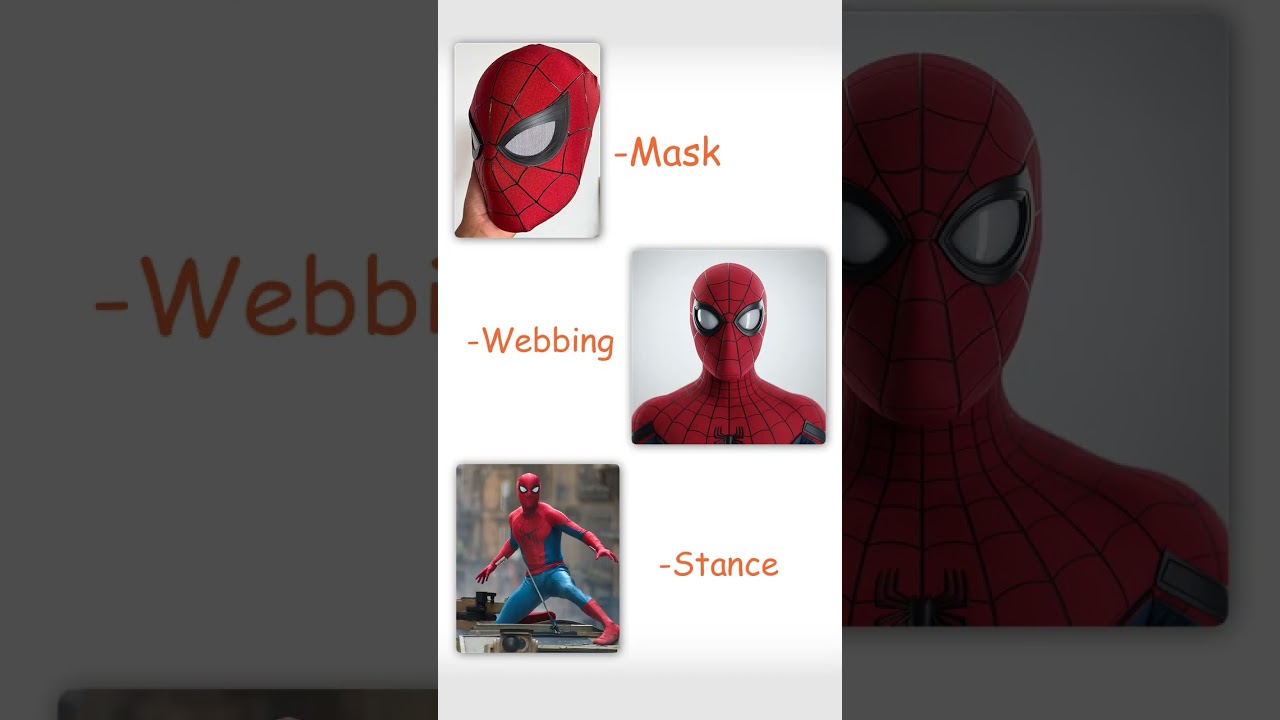 Stop printing someone else's Spider-Man
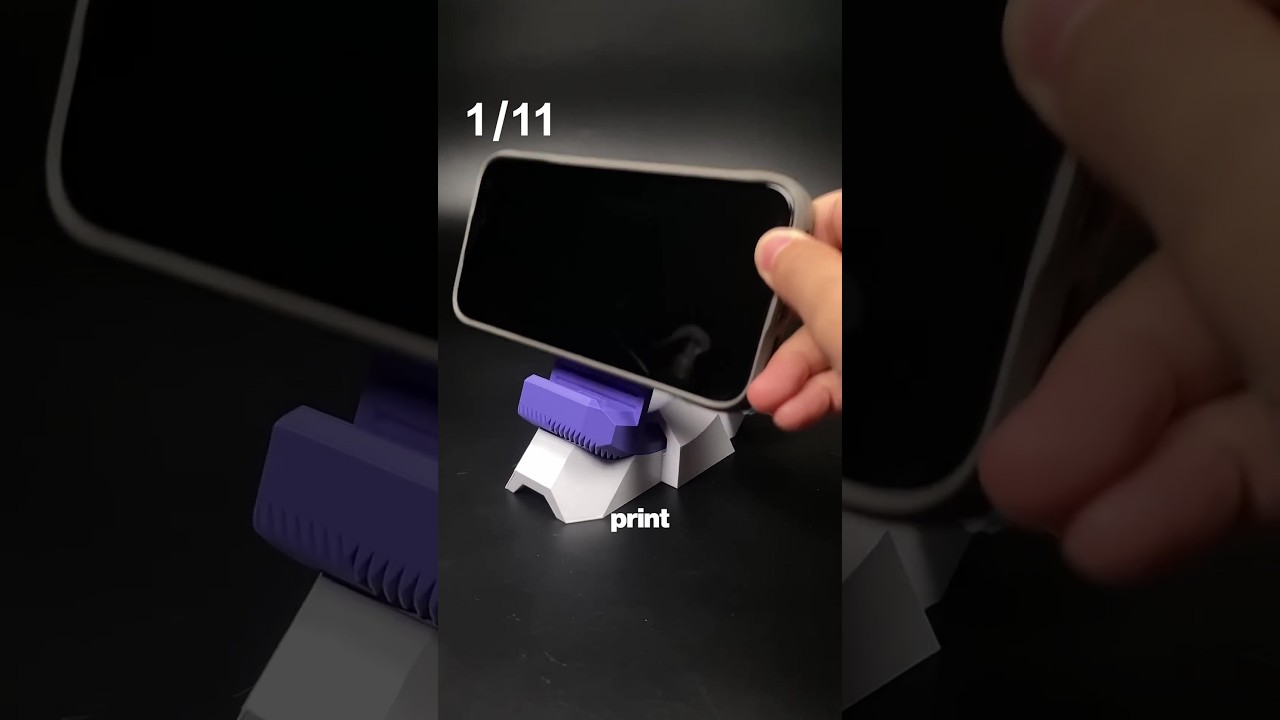 11 useful 3D prints in 42 seconds
 How to 3D print a custom bookmark from a photo