How to get a functional fit without learning CAD
1 Zero clearance will not slot
Prusa’s modeling guide says two parts with zero clearance will not slot together. Scaling a download until it looks close is not a fit. There is no universal scale that saves a tight pair.
2 A moving fit wants about 0.3 mm
Moving fits want about 0.3 millimeters of gap. That number shifts with orientation, shrink, and calibration. Iterate the tolerance. Do not lock the first guess.
3 Change one dimension, not the whole model
A parametric model lets you change one dimension without wrecking the rest. That is the job. A hinged box with sliders. A nameplate with hole spacing you set. A clamp opening that matches the desk while the screw hole stays a real metric size.
4 Generate the part to the size you measured
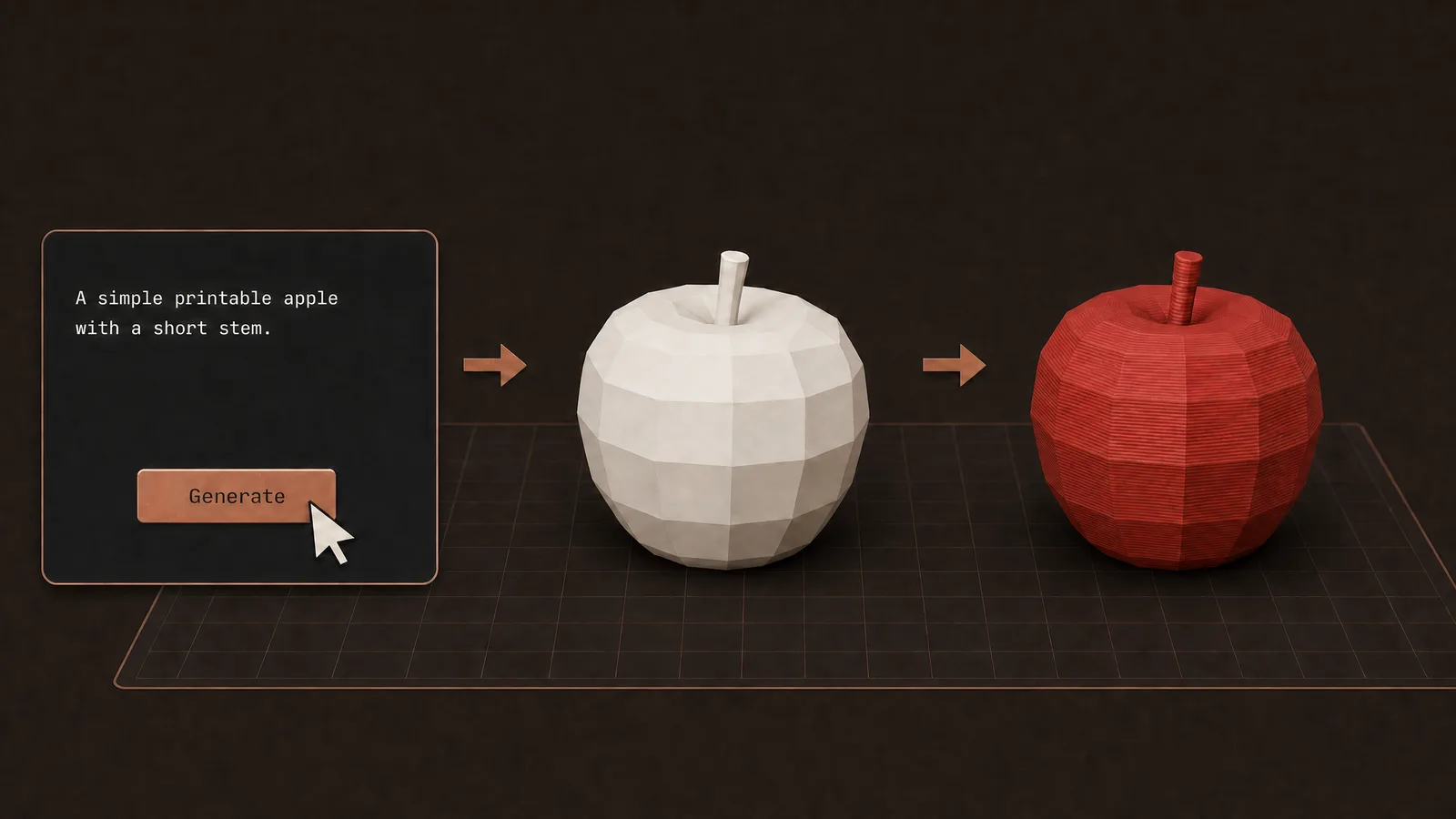
If the download is almost right, do not sculpt it in your head. Open the 3D Model Generator, use Parametric, and prompt the hard-surface part to the size you measured. Export STL or 3MF, slice, and print.
FAQ
Do I need CAD software for a clip or a clamp?
No. You need the millimeters. A hinged box, a nameplate hole pattern, or a clamp opening can come from a sized prompt. Months of CAD is not the requirement.
How much gap does a moving fit need?
Prusa says moving fits want about 0.3 millimeters of gap. Zero clearance will not slot. The number still shifts with orientation, shrink, and how the printer is calibrated, so print a test and change that one dimension.
Why not scale the STL until it fits?
Scale changes every feature, including holes that were already a real metric size. A parametric change keeps the screw hole and only moves the opening you measured.
Parametric or Sculpted?
Parametric. These are hard-surface parts with sizes. Sculpted is for figures. Prompt the measured size, then export STL or 3MF.
Full transcript
You skip a functional print because you think you need months of CAD software first. You do not. You need the millimeters to be right. Prusa's modeling guide says two parts with zero clearance will not slot together. Moving fits want about 0.3 millimeters of gap, and that number shifts with orientation, shrink, and calibration. There is no universal scale-until-it-looks-close. Their advice is to iterate the tolerances. A parametric model helps because you change one dimension without wrecking the rest. That is the job. Not learning CAD. A hinged box with sliders. A nameplate with hole spacing you set. A clamp opening that matches your desk while the screw hole stays a real metric size. If the download is almost right, do not sculpt it in your head. Generate the hard-surface part to the size you measured, export STL or 3MF, slice, done. Obloid's Parametric generator builds CAD-style models from a prompt, with sizes you can use.
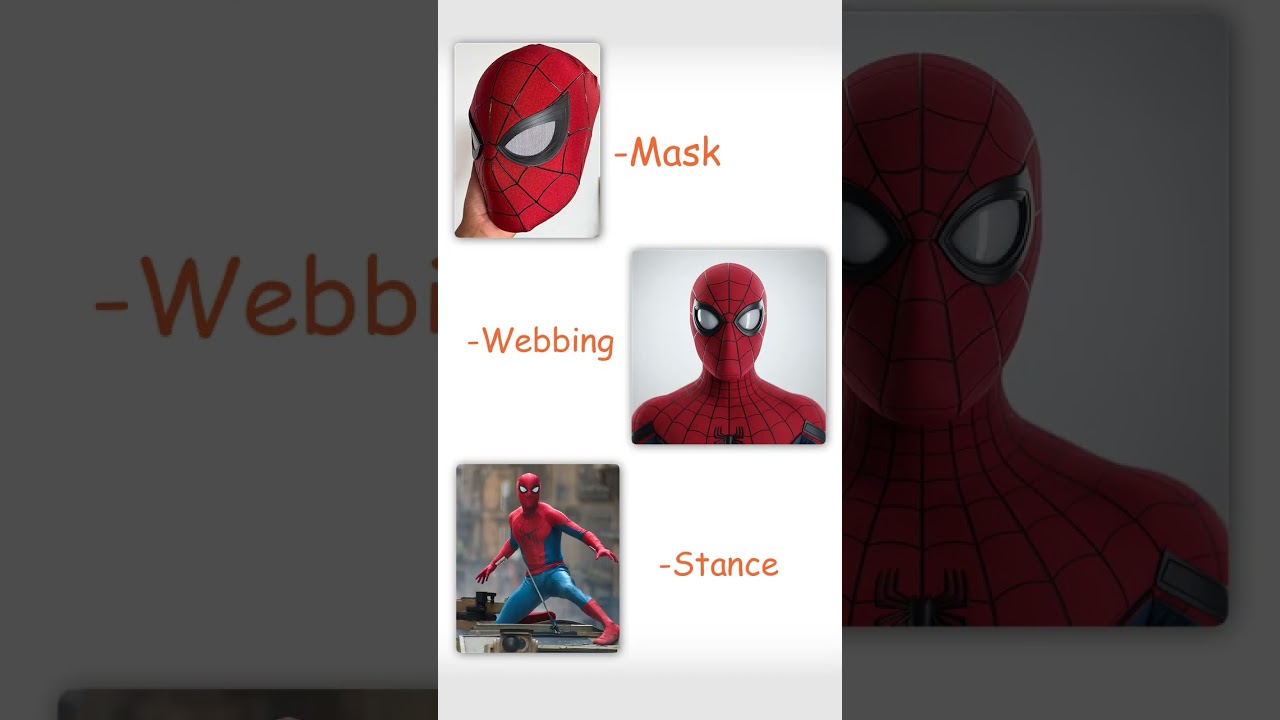 Stop printing someone else's Spider-Man
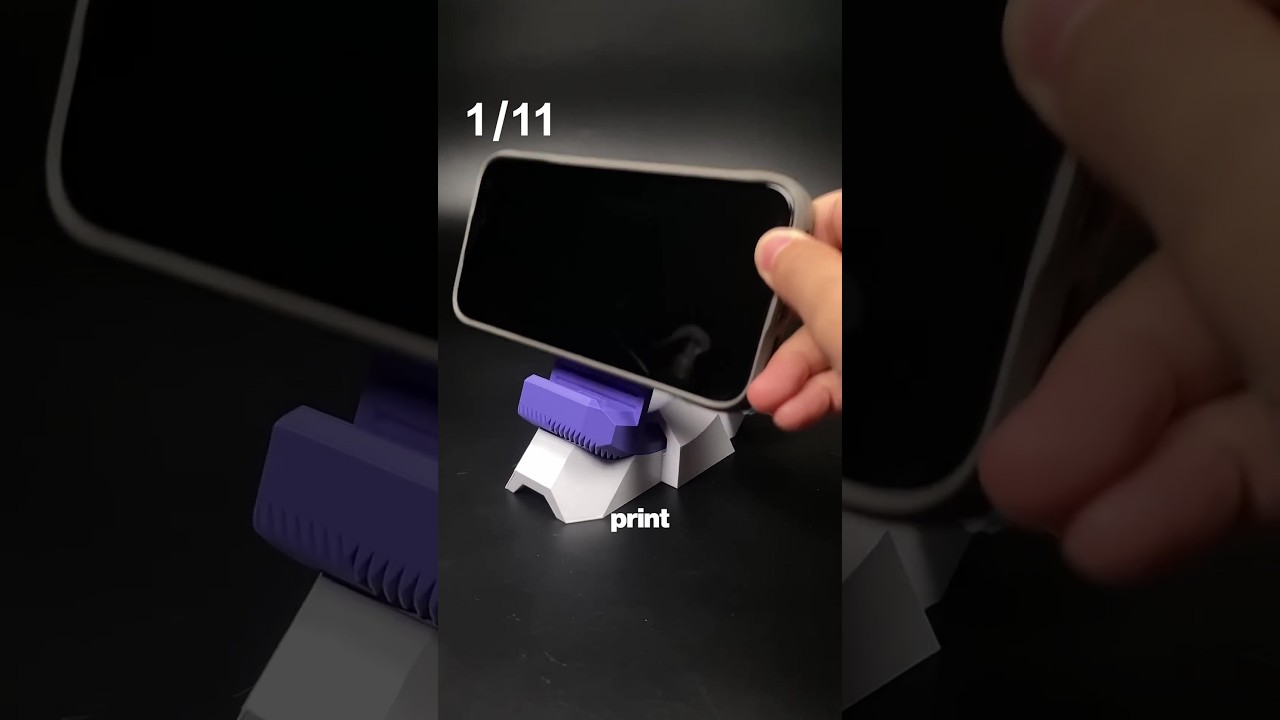 11 useful 3D prints in 42 seconds
 Don't print a universal phone stand
 Don't print a tall figure in one piece
 How to 3D print a custom bookmark from a photo