
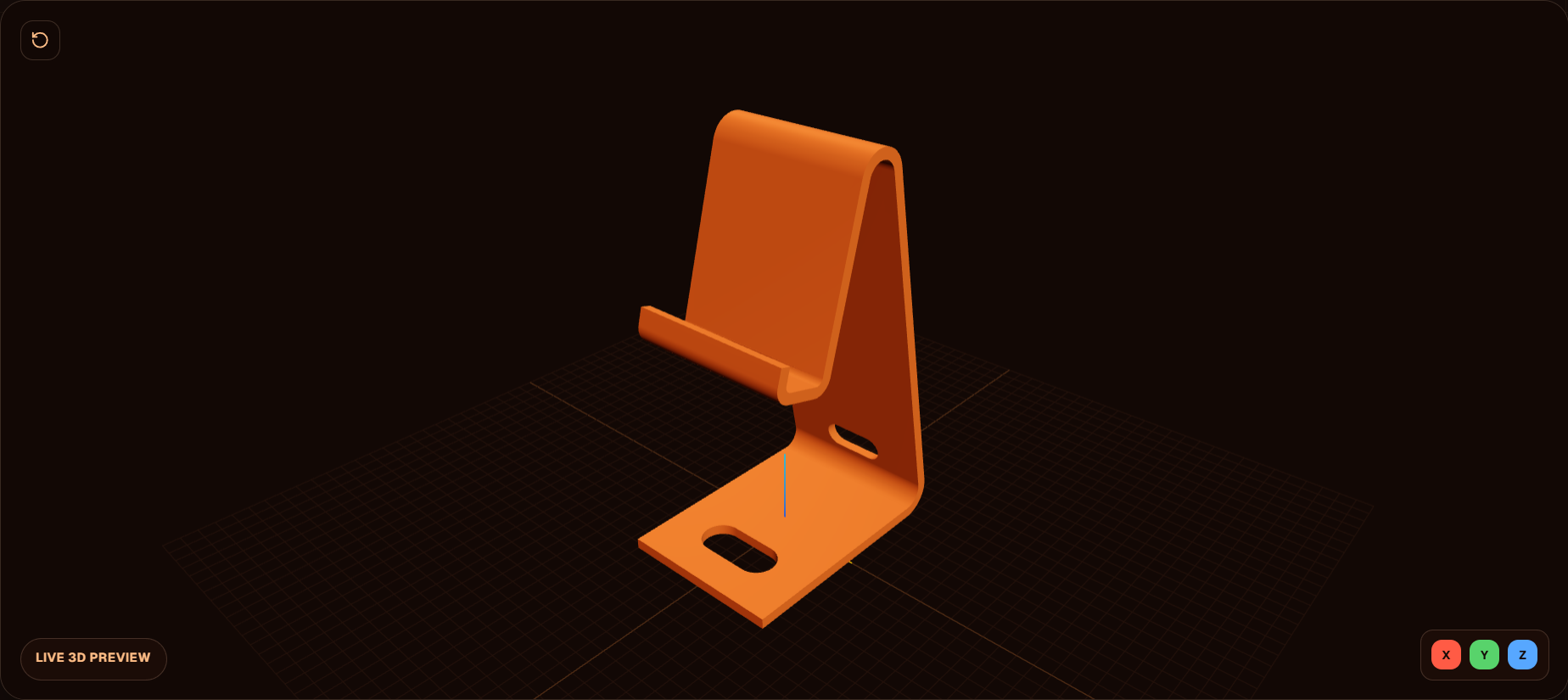
How to print a phone stand that fits your phone
1 A random stand was modeled for one phone
You print a stand from Printables or MakerWorld and it does not sit your phone. It was modeled for one phone, maybe one case, then uploaded for everyone. The next download is the same gamble.
2 Camera bump, charger gap, and tilt are the usual misses
A camera bump with nowhere to go, no vacant space for a charger, or a tilt that is too high makes the print useless. Those are small details. They are also why a universal stand fails.
3 Measure length, width, and thickness
Measure the phone with the case on if that is how you use it. Length, width, and thickness. Those three numbers are the prompt for the stand, not a hope that the next file matches.
4 Search your phone in Phone Stand
Open Phone Stand. Search for your phone. The model starts from that size instead of a generic cradle.
5 Set length, width, height, and tilt
Change length, width, height, tilt, and the other settings until the stand matches the phone you measured. Export and print that file. Stop collecting stands that were drawn for someone else.
FAQ
Why does a Printables phone stand not fit?
It was modeled for one phone, maybe one case, then uploaded for everyone. Your camera bump, charger, and tilt are not in that file. The next random download has the same problem.
What should I measure before I generate a stand?
Length, width, and thickness. Measure the phone the way you actually use it, case on if the case stays on. Those numbers are what the stand has to match.
Which settings does Phone Stand change?
Search for the phone, then change length, width, height, tilt, and the other settings on the tool. The stand is built for that phone, not a universal cradle.
Why is the charger hole tight after printing?
Holes print small because filament contracts. Bambu’s XY hole compensation opens the hole without changing the outer size of the part. Use that in the slicer if the charger gap printed undersized.
Full transcript
You print a phone stand you randomly found on Printables or MakerWorld. Then you realize it doesn't fit your phone that well. Perhaps it was modeled for one phone, maybe one case, then got uploaded for everyone. Small things like a camera bump, no vacant space for a charger, or a high tilt angle can make the print useless. Don't keep downloading random files and hoping the next one matches your phone. Build the stand for your phone and your case. Measure length, width, and thickness. Then open Obloid's Phone Stand generator. Search for your phone and change length, width, height, tilt, and the other settings.
 Don't print a tall figure in one piece
 You don't need CAD for functional prints
 Stop printing someone else's Spider-Man
 11 useful 3D prints in 42 seconds
 How to 3D print a custom bookmark from a photo