How to print your Spider-Man instead of a download
1 A premade STL is someone else’s pose
Every premade Spider-Man STL is someone else’s pose and someone else’s suit. A new look can be out and you are still printing the generic figure from years ago. Stop hunting that file.
2 Attach stills of the look you want
Grab your own stills. PNG, JPEG, or WebP. Attach those as the reference on the Sculpted generator. A prompt alone is the generic figure again if you never show it the suit.
3 Fix the preview before you sculpt
The generator shows a preview first. If the mask, the webbing, or the stance is off, swap the photo or tighten the prompt and redo the still until the silhouette matches. Do not sculpt a preview you already know is wrong.
4 Sculpt, then export a repaired mesh
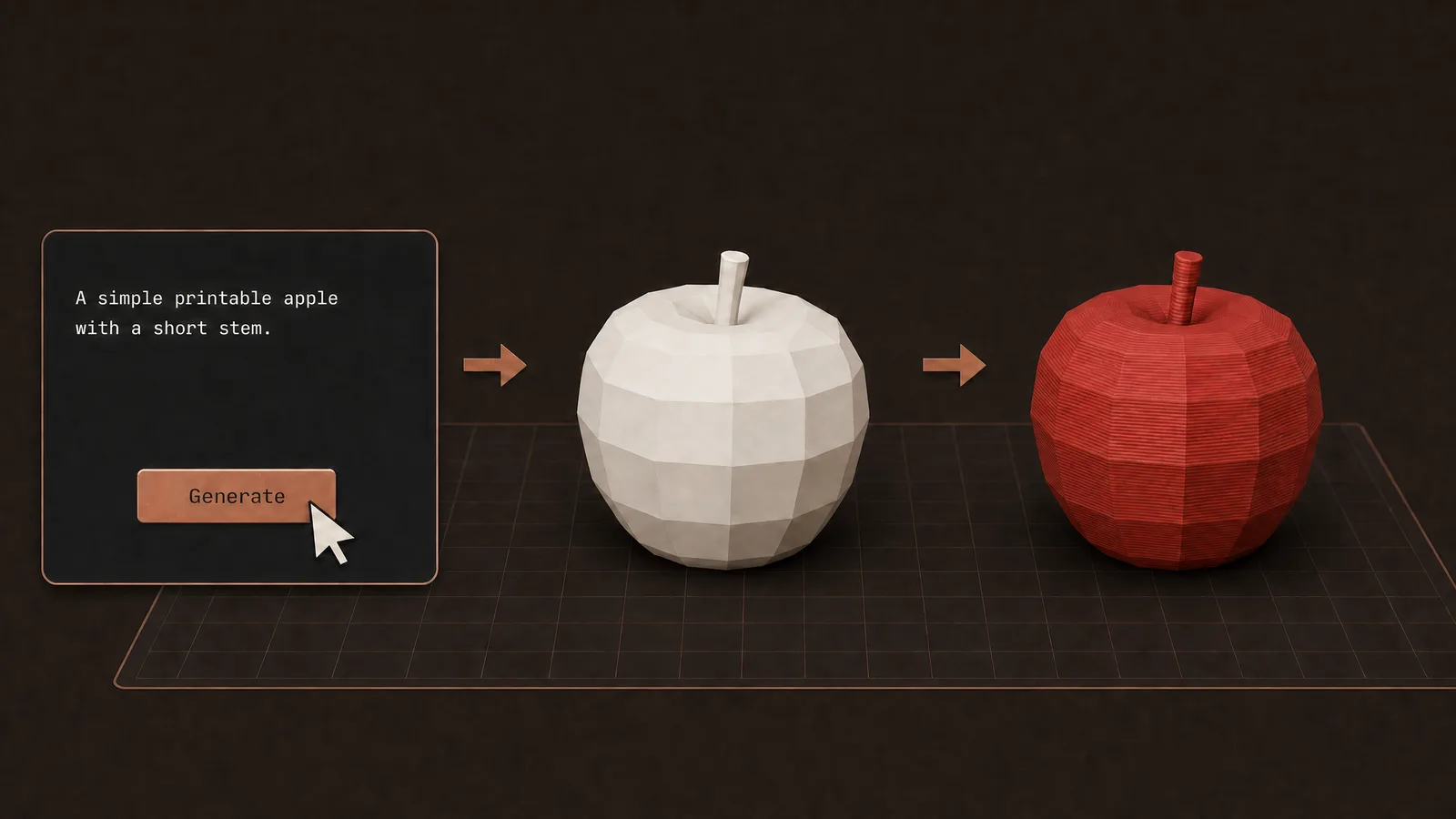
Sculpt turns the approved look into a mesh. That step takes a few minutes. Print Repair runs before you export STL or 3MF, so you are not dropping a pretty-but-hollow file into the slicer.
FAQ
Why not download a Spider-Man STL?
That file is someone else’s pose and someone else’s suit. You get the closest download, not the look you actually wanted on the plate.
What image should I attach?
Stills of the look you want. PNG, JPEG, or WebP. If the mask, webbing, or stance is off in the preview, swap the photo or tighten the prompt and redo the still.
Do I sculpt before the preview looks right?
No. The preview comes first. Sculpt only after the silhouette matches. Sculpt takes a few minutes and turns that approved look into a mesh.
Will the mesh slice?
Print Repair runs before the STL or 3MF export. The point is to avoid dropping a pretty-but-hollow file into the slicer.
Full transcript
Every premade Spider-Man STL is someone else's pose and someone else's suit. Brand New Day is out and you are still printing the same generic figure from years ago. Stop hunting. Grab stills of the look you want — your own Brand New Day images, PNG, JPEG, or WebP — and attach those as the reference. The generator shows a preview first. If the mask, the webbing, or the stance is off, swap the photo or tighten the prompt and redo the still until the silhouette matches. Then sculpt. That step takes a few minutes and turns the approved look into a mesh. It also runs Print Repair before you export STL or 3MF, so you are not dropping a pretty-but-hollow file into the slicer. That is how you get your Spider-Man on the plate, not the closest download. Obloid's Sculpted generator takes a prompt or a reference image.
 You don't need CAD for functional prints
 11 useful 3D prints in 42 seconds
 Don't print a universal phone stand
 Don't print a tall figure in one piece
 How to 3D print a custom bookmark from a photo